
If you experience a problem with the system, you may need to restart the hardware. You can
restart the following system components from the TracPhone V7-HTS web interface:
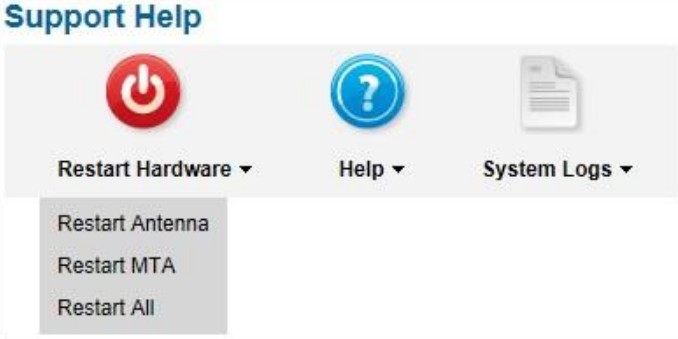
- Restart Antenna – Restarts the TracPhone V7-HTS antenna. Choose this option
whenever the antenna is unable to find the satellite. - Restart MTA – Restarts the MTA (multimedia terminal adapter), which is built into the
ICM. Choose this option whenever voice calls are not working properly while the system
is online. - Restart All – Restarts the entire system. Choose this option if the problem cannot be
isolated to an antenna or MTA issue.
To restart a system component, follow these steps:
- At the TracPhone V7-HTS web interface, click the Support tab.
- On the Restart Hardware menu, click the desired option.
Restart Hardware Menu
At the confirmation message, click Restart Antenna, Restart MTA, or Restart ALL.


