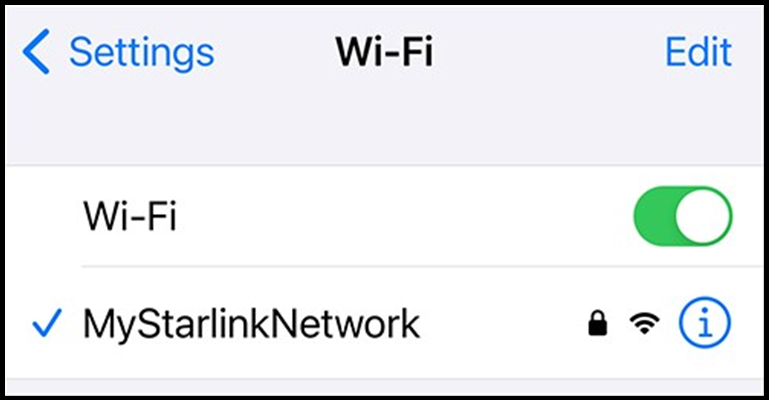
We strongly recommend that you assign a password to Starlink’s built-in Wi-Fi network to prevent unauthorized access. You may also change the name (SSID) of the network. Follow the steps below.
Step 1:
- Connect your mobile device to the STARLINK Wi-Fi network (no password).
Default Starlink Wi-Fi Network Connection
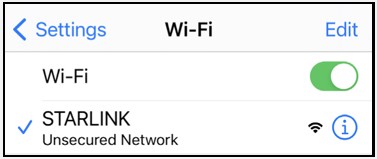
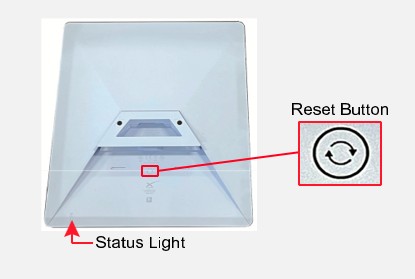
If you do not see this network, perform a factory reset of the Starlink system. Firmly press and hold the Reset button located on the bottom of the antenna for at least 3 seconds. The status light on the bottom on the antenna will blink quickly while you are pressing the button then turn off as it reboots.
Reset Button
Step 2:
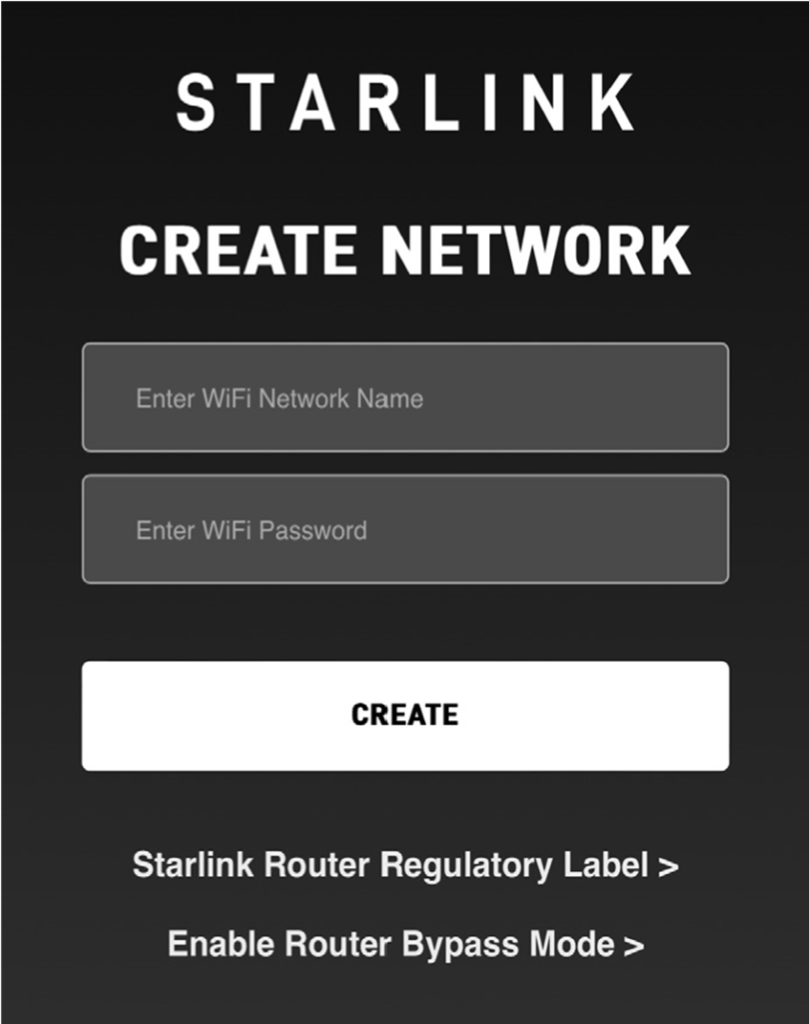
- Open a web browser and go to 192.168.1.1. You should see “Starlink Create Network.”
Starlink Create Network Page
Step 3:
- Enter a new name and password for the Starlink Wi-Fi network. Then select CREATE. A confirmation screen will appear.
Confirmation Screen
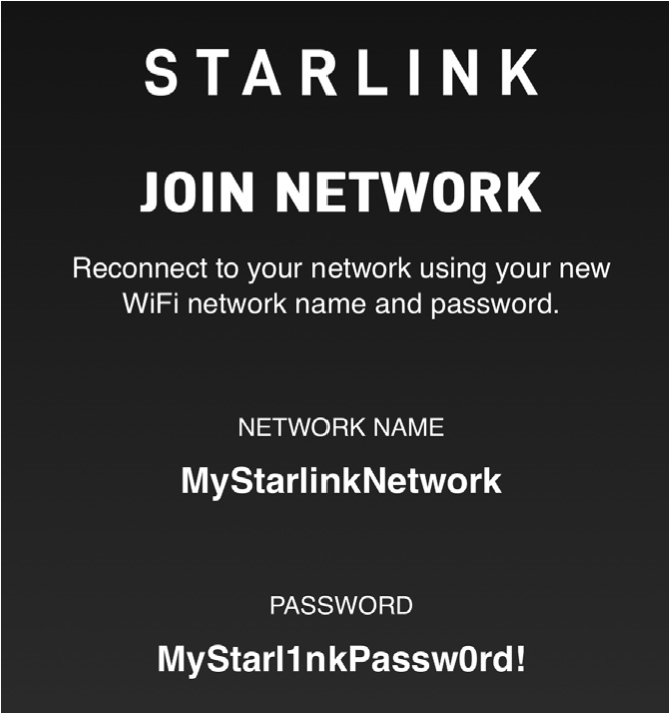
Step 4:
- Reconnect to the Starlink Wi-Fi network using your new network name and password.
Connection to Renamed Starlink Wi-Fi Network