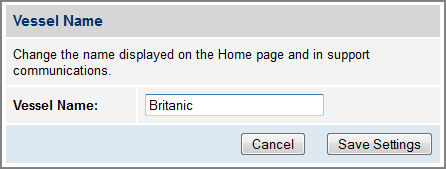
The vessel name is displayed on the Home page of the TracPhone V7-HTS web interface. It also appears in all technical support communications.
To enter your vessel’s name in the TracPhone V7-HTS web interface, follow these steps:
- At the TracPhone V7-HTS web interface, click the Settings tab. Then click Account.
- In Vessel Name, click Edit.
- If the Login window appears, log in with the Administrator password.
- Enter your vessel’s name.
- Click Save Settings.
Entering the Vessel Name