
Step 1:
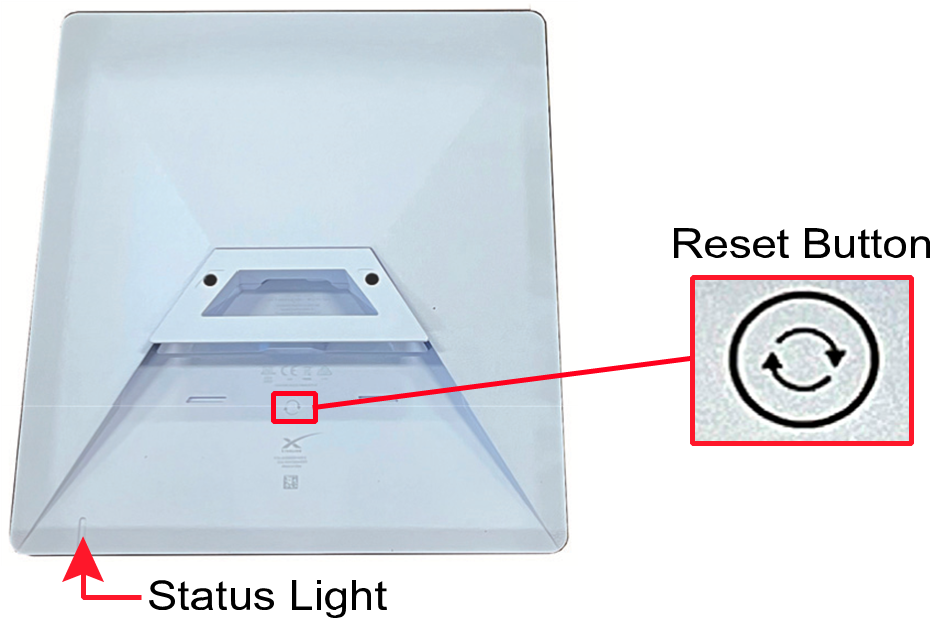
- Perform a factory reset of the Starlink system. Firmly press and hold the Reset button located on the bottom of the antenna for at least 3 seconds. The status light on the bottom on the antenna will blink quickly while you are pressing the button then turn off as it reboots.
Starlink Reset Button
Step 2:
- Connect your mobile device to the STARLINK Wi-Fi network (no password).
Starlink Wi-Fi Network Connection
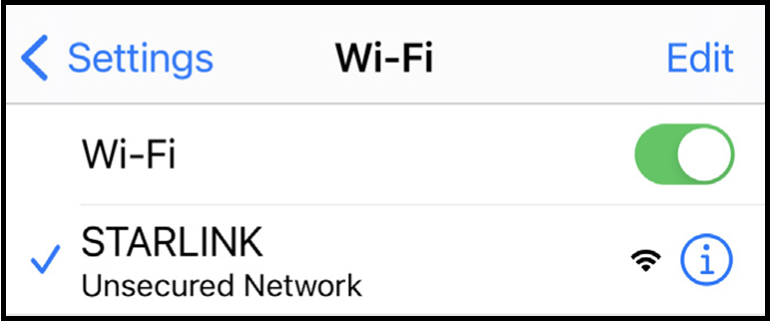
Note: As an alternative to Wi-Fi, you can use a laptop connected directly to the Starlink antenna with an Ethernet cable.
Step 3:
- Open a web browser and go to 192.168.1.1. You should see “Starlink Create Network.
Starlink Create Network Page
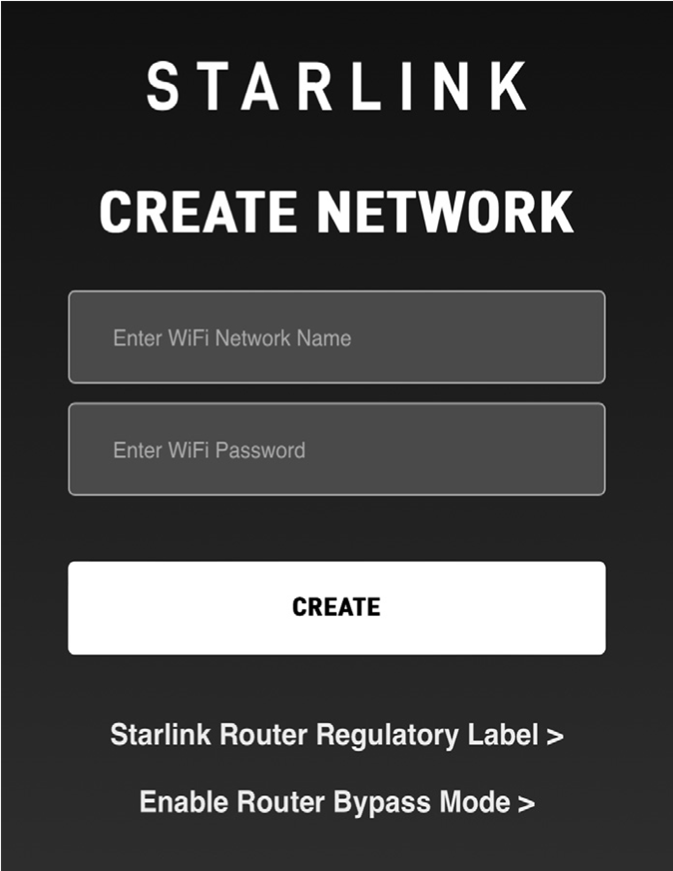
- Select Enable Router Bypass Mode.
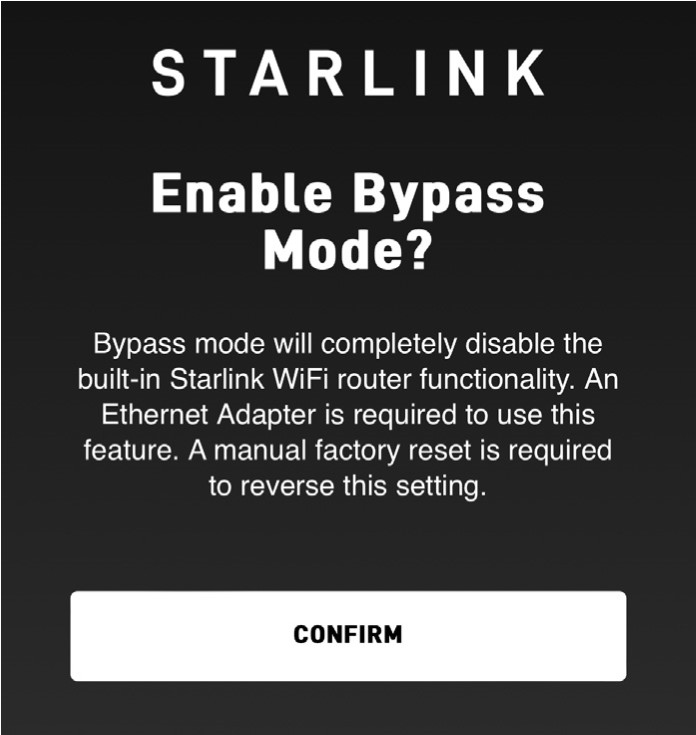
- Select Confirm.
Confirmation Page
Step 4:
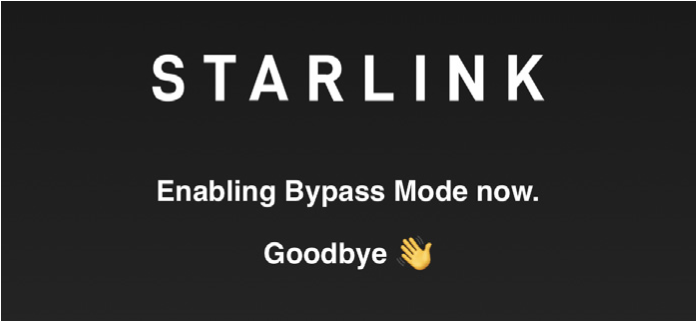
- When you see the “Goodbye” message, you can close your browser.
Goodbye Message
Connect the Starlink to the External Router
- Unplug the Starlink’s power supply to disconnect power from the Starlink system.
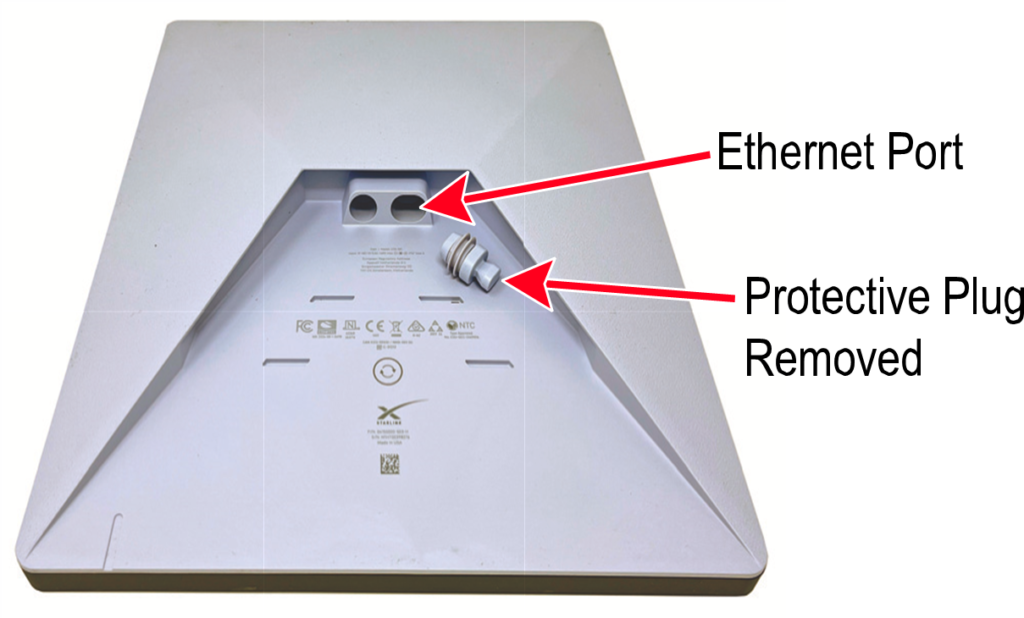
- Using a Cat5E or better Ethernet cable, connect the Starlink antenna’s Ethernet port
Starlink Ethernet Port
Starlink Mini Connection Diagram
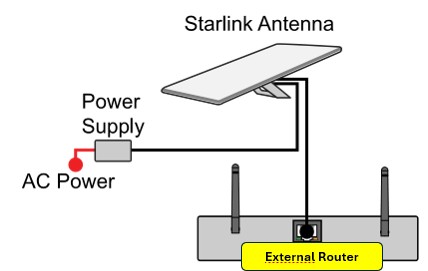
- Reconnect Starlink’s power supply.


